# Tagging people
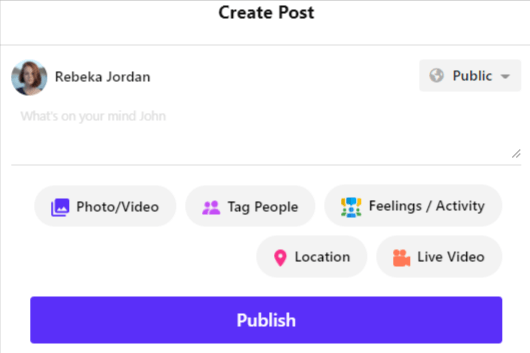
Users can add their friends, or pages to a post by tagging them. When a user tags other users in videos, photos, or posts it will add to the tagged user's profile.
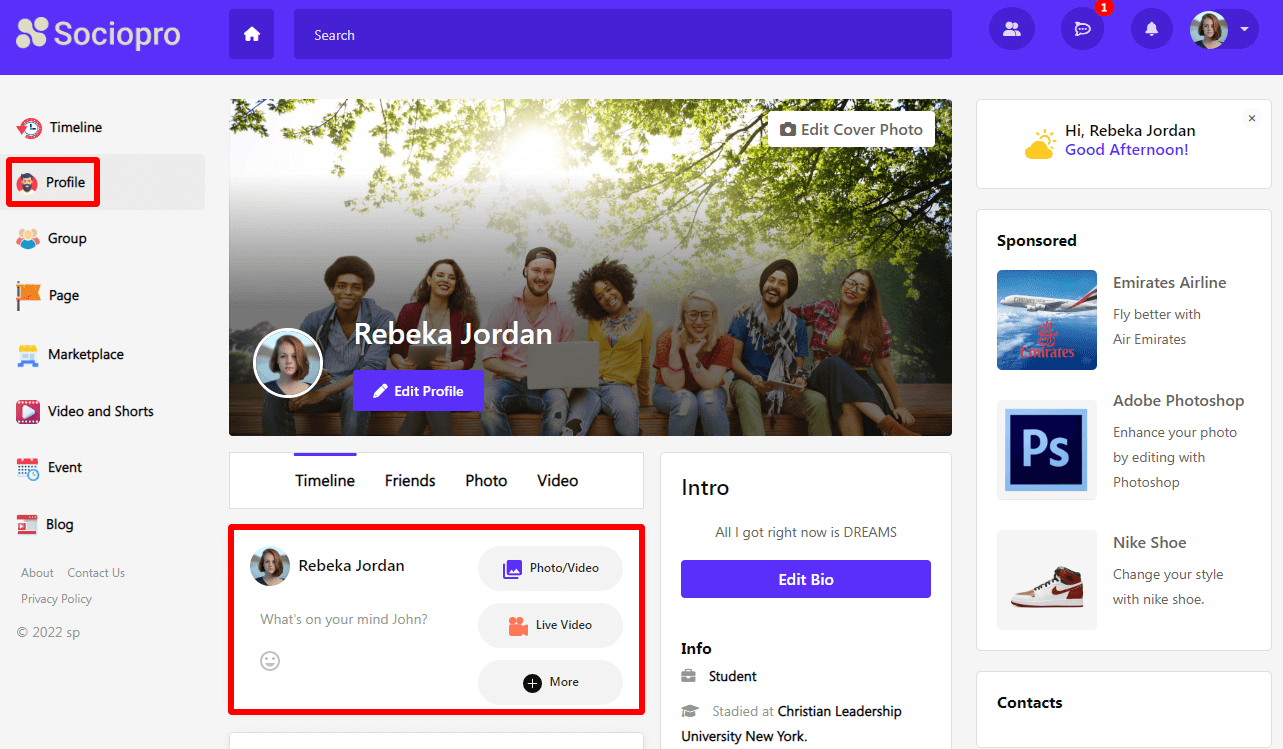
To tag other users from their profile option, they can follow the steps below:
- Log in to the application.
- Click on the "Post box."
- Choose a post that they want to share. (Users can share any post, images, or videos)
- Choose the privacy of the post (Users can make their posts public or only friends)
- Click on the tag people option.
- Select users that you want to tag. (User can choose multiple users to tag in a post)
- Tap on the "Done" button.
- Click on the "Post" option.